


Free Funnel Audit
Convert more customers today!

SEO
10 mins read


SEO
10 mins read

| Tracking type | Common example | Where the result appears |
| Online conversion | Website form | Website or ad platform |
| Offline conversion | Signed sales deal | CRM or sales system |
| Phone conversion | Completed phone sale | Call tool or CRM |
| In-store conversion | Store purchase | POS or customer system |
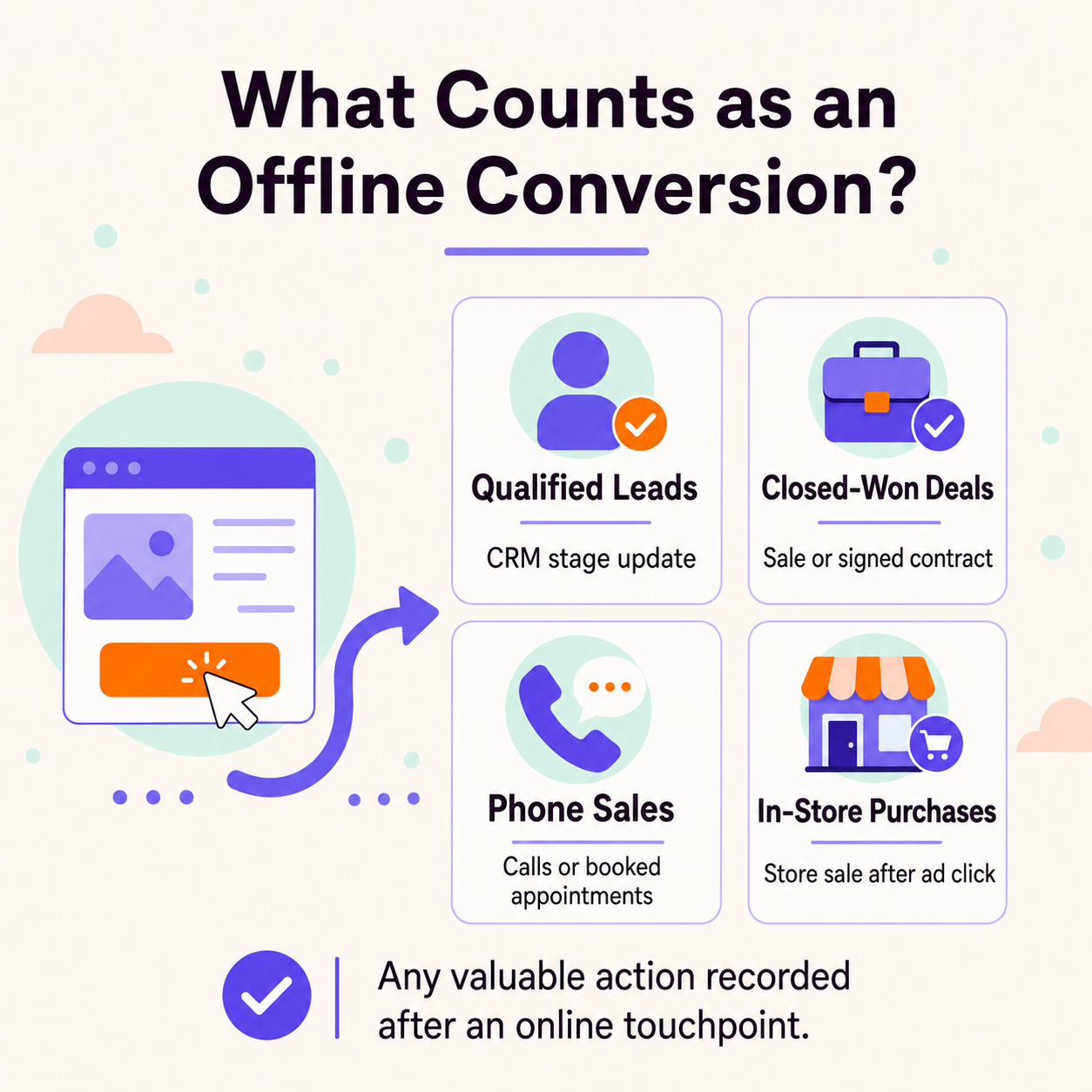 An offline conversion is not only a purchase inside a store. It can be any useful result recorded after an online touchpoint. The key point is where the final result gets stored. Some teams save final sales inside a CRM system. Others use call tools, booking tools, or store sales systems. Those tools may hold data that your website cannot see.
The best event depends on how your sales process works. Choose events that show real progress toward a sale. Avoid counting weak actions that do not show clear buying intent.
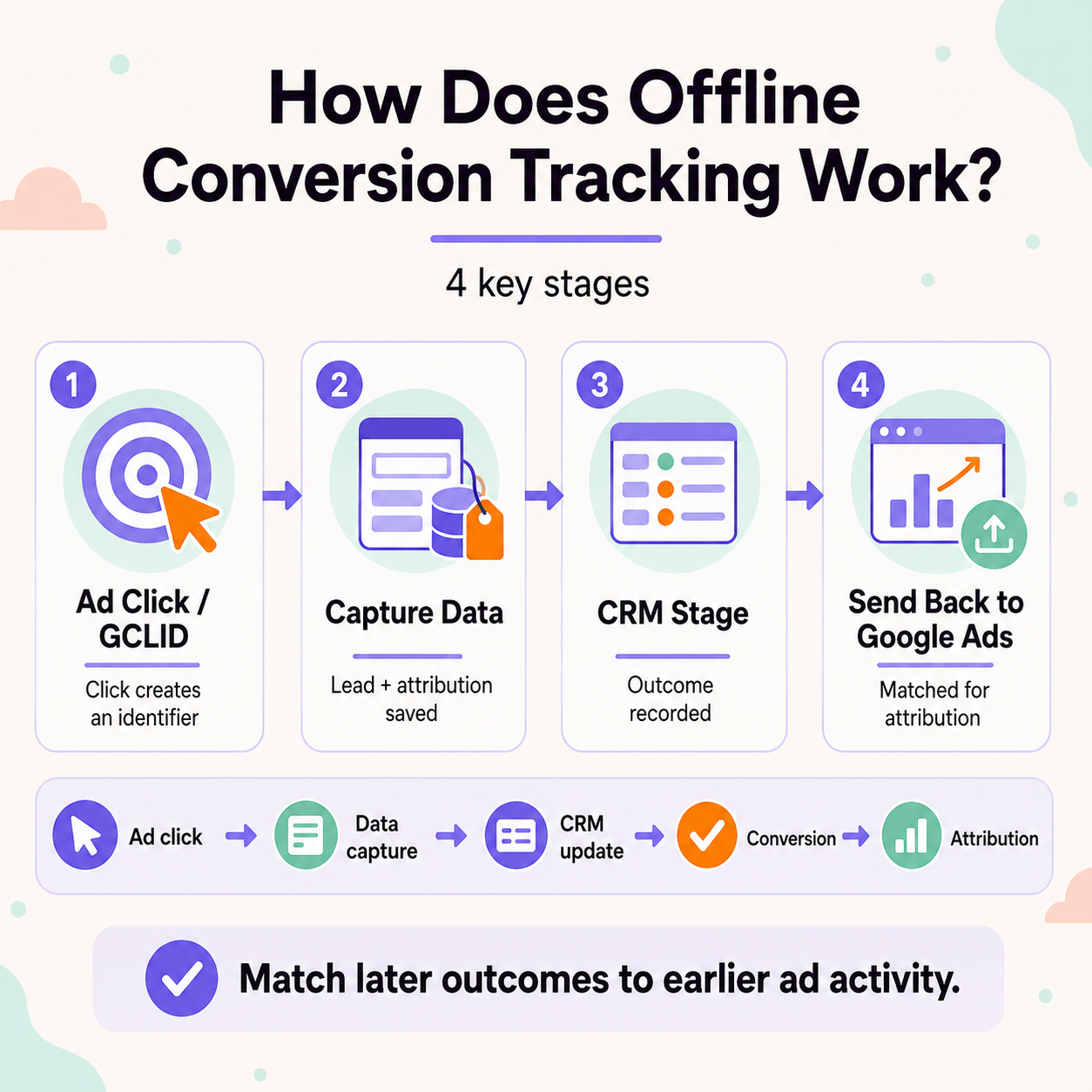 The process depends on matching later outcomes with earlier advertising activity. Each stage must keep enough data for accurate campaign attribution. Missing information can break the connection before reporting becomes useful.
A simple data flow looks like this:
Ad interaction → matching data captured → CRM update → outcome recorded → data returned → campaign attribution
This flow can use click identifiers or customer-provided matching information. Google Ads supports GCLID data and enhanced first-party data methods.
| Method | Best fit | Main data used |
| Enhanced conversions for leads | Modern lead-based measurement | Hashed first-party data and identifiers |
| GCLID-based imports | Existing click-based workflows | Google Click ID |
| CRM or Data Manager connection | Automated recurring imports | CRM and customer data |
| Manual file uploads | Small or low-volume workflows | CSV or spreadsheet data |
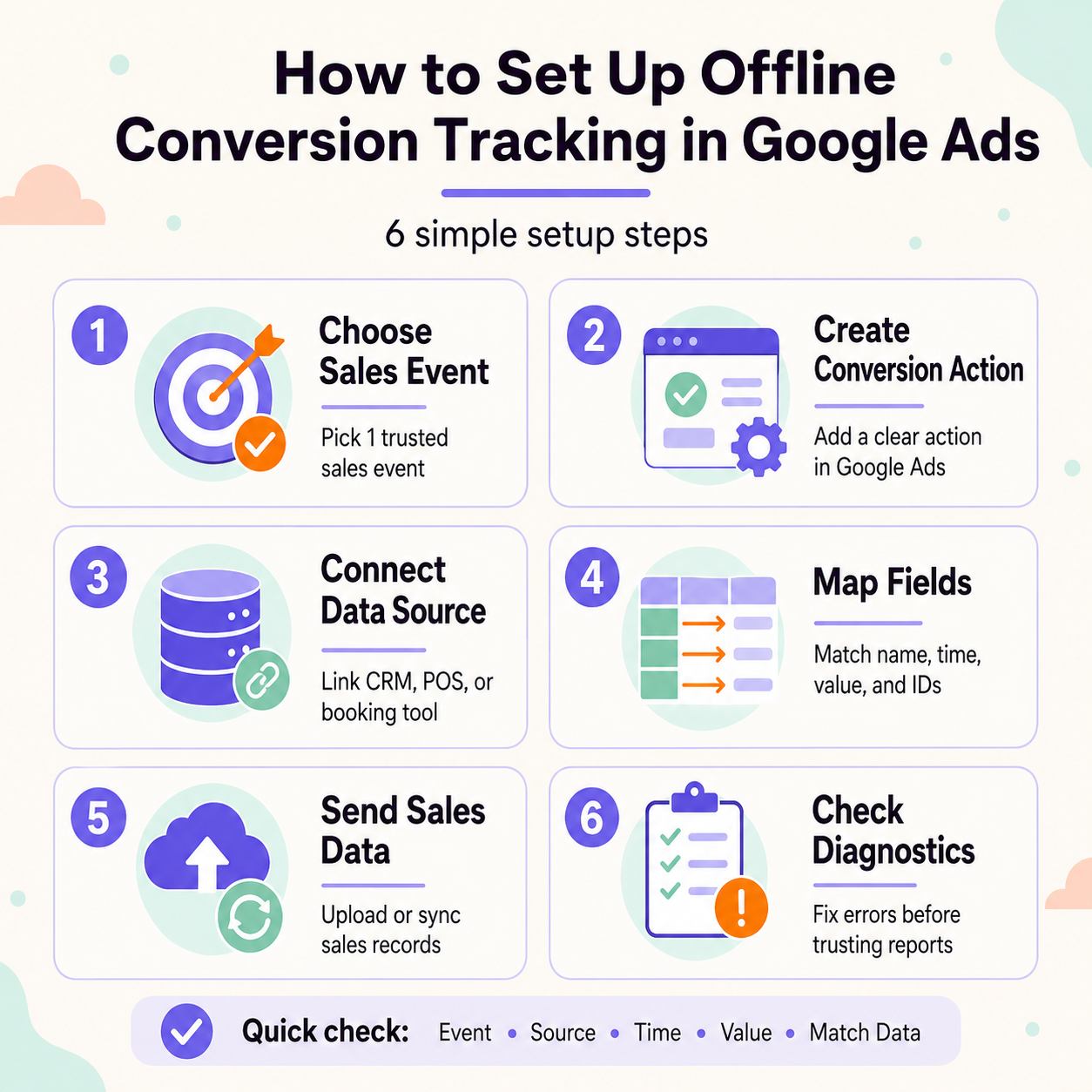 A sound setup starts with one sales event you trust. Pick one event your team can mark the same way. Good picks are paid jobs, signed deals, and store sales. Skip vague stages that may mean new things to staff.
| Setup check | What you should confirm |
| Event name | Each team uses the same event name |
| Data source | The right tool sends each sales record |
| Event time | Each record has the right date and time |
| Sales value | Each value fits the right sales event |
| Match data | Key fields stay full, clean, and correct |
Create the right offline action in your Google Ads account. Then link a source or make the needed upload file. Map each field before you send any sales records. Check diagnostics after upload to make sure records worked.
The time limit can change with your source and setup. Check Google's live rules before you plan each import flow. Old guides may show time limits that no longer apply. Your event time must also meet the current rules.
A CRM can help, but Google does not need one. You need a tool that can store the needed sales data. That tool must keep sound sales and match details. Small teams can use other supported data sources too.
Repeat uploads can cause wrong totals when sale facts differ. Use stable sales details and unique IDs when they apply. Check import logs when totals rise with no clear cause. Fix the source fault before you send the next batch.
Start with the offline error page in Google Ads. Match accepted sales with records from your source tool. Check dates, values, and fault notes for each test. Run this check again after each major setup change.
Start using our A/B test platform now and unlock the hidden potential of your website traffic. Your success begins with giving users the personalized experiences they want.
Start Your Free Trial

Empowering businesses to optimize their conversion funnels with AI-driven insights and automation. Turn traffic into sales with our advanced attribution platform.
Trusted by Customers


©CausalFunnel Inc. All rights reserved.