



Free Funnel Audit
Convert more customers today!
SEO
10 mins read

SEO
10 mins read
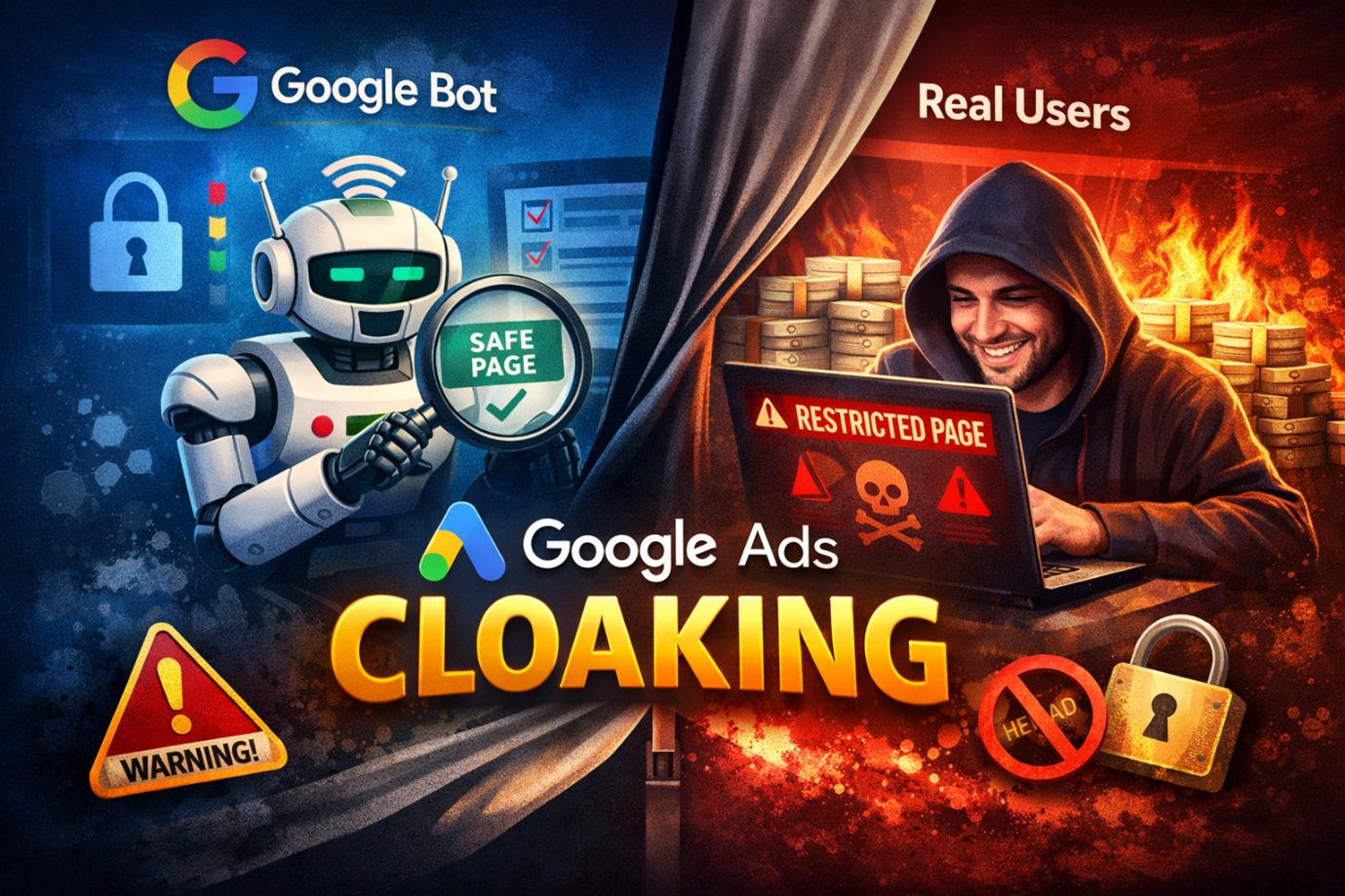
Google ads cloaking is the practice of showing different content to users and search engines. At its core, it’s a way to hide the real ad destination from Google while showing something else to the reviewer. For many marketers, this is the main question: Can Google Ads cloaking get ads approved without breaking rules? The short answer is yes. But only in very narrow, safe contexts. Otherwise, it’s risky and can lead to permanent account suspension.
Cloaking ads meaning is simple. It is when the content seen by Google’s ad reviewers differs from what the user eventually sees. Imagine showing a standard landing page to Google, but sending users to a completely different page. The idea is to bypass automated or manual disapproval.
While the term might sound technical, it’s something you might already encounter if you manage multiple campaigns. For example, a small agency might tweak headlines and images for reviewers while the user sees a fully designed offer.
Cloaking isn’t a new trick. It has existed since Google Ads’ early days. It’s easy to confuse with normal ad optimization. The difference lies in intent. Showing different content to test a layout or language is okay. But actively hiding the destination from Google with the goal to bypass review is against their Circumventing systems policy Google Ads.
Not sure if your current setup crosses the line?
Talk to our Google Ads team directly. We’ll review your account and tell you exactly what’s risky and what isn’t.
Many wonder, “Why would anyone risk cloaking?” The answer comes down to frustration and opportunity. Google rejects ads for many reasons: policy violations, misleading claims, or technical errors. Some marketers feel their offer is legitimate but keeps getting blocked.
The lure is clear: faster approvals and fewer disapprovals. But here’s the catch: accounts flagged for cloaking can face the Multiple account abuse policy Google Ads. It’s not a light warning. Once flagged, even unrelated campaigns can be suspended.
If the goal is only to reduce friction, there are safer alternatives, like improving landing pages, clarifying ad copy, or adjusting targeting. Cloaking should never be the first choice. Think of it like skipping steps on a recipe. You might finish faster, but the dish could taste terrible or even get burned.
Understanding the types helps see why Google reacts strongly. Each type has different risks and applications.
This type hides the final landing page before the user clicks the ad. Google sees a neutral page. The user sees the intended offer after clicking.
This happens after the user clicks. Both Google and users initially see the same page. Then the page dynamically changes based on device, location, or referral source.
Cloaking can target mobile vs desktop, or geographies. The content can differ based on where the traffic comes from.
Recognizing these types helps advertisers make informed decisions. Sometimes, adjusting content per location is legitimate, but intentionally hiding information is always risky.
Marketers have several ways to implement cloaking, though not all are safe or legal. Understanding them clarifies how Google detects violations.
Server-side cloaking happens before a page is delivered to the browser. The web server decides what content to show based on who it believes the visitor is.
When someone requests a page, the server checks signals like:
Based on those signals, the server may show:
This method is popular because it operates at the infrastructure level, making it harder to inspect from the browser alone.
Server-side cloaking depends on:
Because everything happens on the server, mistakes are difficult to see until it’s too late.
High. This approach typically requires:
Costs are not just software-related. They often include:
Once considered the most effective method, server-side cloaking is now one of the most heavily monitored. Google’s ability to cross-check IP behavior and traffic patterns has significantly reduced its success rate.
Risk level: Very high
Client-side cloaking happens inside the user’s browser after the page loads. Instead of the server deciding what to show, JavaScript alters the page dynamically.
Scripts analyze:
Based on this data, content may be swapped or hidden after load.
Because everything runs in the browser:
This method often leaves clear technical traces.
Client-side changes add:
Slow or unstable pages are already a red flag in Google Ads reviews.
Client-side cloaking cannot:
Risk level: Extremely high
Redirection-based cloaking uses multiple page hops to separate what Google sees from where users eventually land.
Instead of serving different content on the same page:
These redirects may occur instantly or after short delays.
Google Ads systems analyze:
Long or inconsistent redirect paths often trigger manual reviews.
The more steps involved:
Even small timing or URL mismatches can expose the entire chain.
Risk level: High
Some services market themselves as “Google Ads cloaking tools” or “approval helpers.”
These tools often promise:
Because many advertisers use the same platforms:
Once a tool is flagged, everyone using it is affected.
These patterns are exactly what Google’s machine learning systems look for.
Risk level: Very high
This is the question many advertisers ask after learning how cloaking works.
In 2026, Google’s detection systems combine:
What once worked briefly now often leads to:
If faster approvals or compliance issues are the concern, policy-safe alternatives are far more sustainable.
Trying to outsmart Google Ads today is less like gaming the system. It’s more like lighting a match in a dry forest. You might see a quick spark, but the damage spreads fast and is hard to undo.
For anyone serious about Google Ads cloaking, knowing which tools to use is crucial. Not all tools are the same. Some are beginner-friendly, others are built for advanced users, and each has unique features. This guide breaks down the top 7 tools in a simple table and explains why each one might fit your needs.
| Tool Name | Pricing (Monthly) | Key Features | Best For | Pros | Cons | Reliability Score |
| TrafficShield | $99–$499 | Large IP database, AI detection, safe page generator | Advanced users | • Highly customizable • Strong anti-detection • Good forum support | • Expensive • Steep learning curve | 9/10 |
| Adspect | $79–$299 | Smart redirect, AI detection, geo-targeting | Mid-level advertisers | • Easy setup • Good for multiple campaigns • Reliable performance | • Limited automation • Smaller IP database | 8/10 |
| Cloakerz | $47–$199 | User-agent detection, fast redirects | Beginners | • Affordable • Beginner-friendly • Quick start templates | • Fewer advanced features • Support response slower | 7/10 |
| Palladium Expert | $199–$499 | Multi-layer detection avoidance, analytics dashboard | Advanced users, agencies | • Strong analytics • Robust features • High detection resistance | • Pricey • Complex for beginners | 9/10 |
| Cloakerly | $59–$249 | Safe page generator, AI alerts, campaign tracking | Small businesses | • Easy to use • Decent tracking • Good documentation | • Limited IP pool • Fewer vertical-specific templates | 8/10 |
| Keitaro | $79–$199 | Smart redirects, geo-targeting, analytics | Affiliate marketers, mid-level users | • Free trial available • Detailed analytics • Multiple vertical support | • Slightly technical setup • Requires server setup | 8/10 |
| FairLab | $49–$149 | IP filtering, AI detection, multi-device support | Beginners, hobbyists | • Budget-friendly • Easy setup • Basic AI detection | • Limited scalability • Fewer integrations | 7/ |
For those who want to understand cloaking in practice, a structured step-by-step approach is key. This section explains the process clearly and safely, using plain examples and simple explanations.
Not all cloaking tools are the same. Picking the right one depends on experience, budget, and campaign needs.
A simple flowchart for decision-making:
Start → Budget ≤ $100? → Yes → Cloakerz / FairLab
→ No → Experience level? → Beginner → Cloakerly
→ Advanced → TrafficShield / Palladium
A “safe page” is what Google sees when reviewing your ad. It should be compliant, neutral, and fully functional.
Tip: Keep URLs simple and content clear. For instance:
https://example.com/safe-product-info
Filter traffic so different users see different pages without alerting Google. Filters can be:
Example pseudocode for IP filtering:
$user_ip = $_SERVER[‘REMOTE_ADDR’];
$blocked_ips = array(‘123.45.67.89’, ‘98.76.54.32’);
if(in_array($user_ip, $blocked_ips)){
header(“Location: https://example.com/landing-page”);
exit();
}
Redirects send users to the intended page after the safe page. There are two types:
Redirect 301 /safe-page https://example.com/offer-page
if(userDevice === ‘mobile’){
window.location.href = “https://example.com/mobile-offer”;
}
Tip: Server-side is generally safer and faster, but client-side can add flexibility for device-specific redirects.
Before launching, verify everything works:
Tools to use: browser incognito mode, VPN, and online IP simulators
When ready:
Pro tip: Avoid sudden traffic spikes; gradual ramp-up reduces the risk of detection.
After launch, keep an eye on:
Adjust filters, redirects, or content as needed to keep campaigns smooth and compliant.

Google Ads cloaking is no longer detected by simple bots alone. In 2026, Google uses layered systems that combine network signals, browser behavior, and machine learning. Understanding how detection works helps advertisers see why cloaking is so risky and why most setups fail over time.
This section explains how detection happens, not how to bypass it.
Worried your account has red flags Google is already watching?
We run a free compliance audit on your Google Ads account. Redirects, landing page mismatches, policy risks. We flag everything before Google does.
Every visitor sends a user‑agent string. This tells the server what browser and device is being used.
Google compares:
If Googlebot sees a clean page but users consistently see different content, that pattern stands out. Even small differences add up over time.
This is one of the oldest checks. It still works because many cloaking setups rely on simple user‑agent filtering.
Google does not rely on one IP range.
Instead, it uses:
If a landing page behaves differently for these IP groups, Google can detect it. Poor IP filtering is one of the most common reasons cloaking setups fail.
Many advertisers assume Google uses only known crawler IPs. That assumption is outdated.
Modern detection looks beyond IPs.
Browsers reveal many signals through JavaScript, such as:
Google compares these fingerprints across visits. If the page behavior changes in ways that don’t match normal user patterns, it raises flags.
This is why static or hard‑coded logic often breaks over time.
By 2025, Google expanded into deeper network‑level analysis.
These systems analyze:
These signals help identify automated traffic and hidden review systems. They also help Google spot environments that behave differently for different visitors.
This layer is invisible to most advertisers, which makes it especially dangerous.
Google does not judge cloaking by a single visit.
It looks at:
Machine learning models flag accounts that behave “abnormally” compared to compliant advertisers in the same vertical.
Once flagged, reviews become stricter. Recovery becomes harder.
Some actions still trigger human review.
Common triggers include:
Manual reviewers see more than one version of a page. They also check account history. At this stage, technical tricks rarely help.
Many advertisers believe complex setups are safer. In reality, complexity often creates more detectable patterns.
Common failure points include:
The more predictable the pattern, the easier it is to detect.
Certain signals consistently appear in suspended accounts.
These include:
These signals don’t always cause instant bans. But they increase scrutiny. Over time, scrutiny leads to enforcement.
This level of detail helps answer a hard question many advertisers face.
“Why did this work before, but not now?”
The answer is simple. Detection systems evolve faster than most cloaking setups. What works briefly often fails quietly later.
Understanding how Google thinks at a technical level helps advertisers make better decisions. Often, the safest move is not better cloaking, but better alignment between ads, landing pages, and policy.
Google Ads cloaking isn’t just a technical matter; it’s a serious policy violation. Below is a detailed breakdown of the risks, policy enforcement, and real-world implications.
Cloaking is flagged under the Circumventing Systems Policy Google Ads, and enforcement can be swift.
Based on advertiser reports and forum discussions:
Manual reviews are triggered by combinations of signals, including:
While appeals are possible, success is limited. The typical process includes:
Recovery is rare, especially for repeat offenders. Forum data indicates:
Even temporary suspension can pause campaigns and halt revenue flow, making the stakes extremely high.
Some advertisers try to bypass disapprovals by creating multiple accounts. Google treats this very seriously under the Multiple Account Abuse Policy Google Ads.
Google can detect connections across accounts by analyzing:
Even small overlaps can trigger automated linking.
Once Google identifies multiple account abuse:
Cloaking carries direct financial risks. Even short-term enforcement can create lasting business problems.
According to affiliate marketing forums, account suspension rates for cloaked campaigns range from 15–60%, depending on setup quality. Even successful accounts are short-lived, with many losing weeks of ad spend.
Cloaking is not just a Google violation; it may have legal consequences depending on how it’s executed.
Including numbers gives context to how high the stakes really are:
These numbers show that even “well-managed” cloaking attempts are risky and often temporary.
Advertisers also need to know how to spot cloaking. This is crucial if managing multiple campaigns or clients.
If anything seems off, pause the campaign. Even a small discrepancy can trigger Google’s automated systems.
One of the most common reasons ads get disapproved is unclear or misleading messaging. Often, advertisers try to fix this with cloaking when the real issue is poor alignment between the ad and the landing page.
Google’s review system checks for message consistency. When the ad copy and landing page clearly match:
In many cases, simply rewriting ad copy and cleaning up landing page language removes the need for any risky workaround.
Google allows A/B testing, as long as all versions are visible to reviewers. This is an important point many advertisers misunderstand.
As long as every version is honest and accessible, split testing is fully compliant.
Split testing gives you:
Unlike cloaking, transparent testing builds trust with both users and Google.
Many advertisers turn to cloaking because they want different experiences for different locations. Google Ads already supports this, legally.
When done correctly, geo‑targeting improves relevance and conversion rates without triggering policy violations.
Some disapprovals happen because landing pages are technically or visually confusing, not because of the offer itself.
A clean, well‑structured page is easier for Google to review and easier for users to trust.
Some advertisers choose to work with agencies or consultants before launching campaigns, not to bypass rules, but to understand them better.
If you see the term “cloaking ads agency”, it’s important to be careful. The safest agencies focus on compliance, not concealment.
An external review can:
This approach is about risk reduction, not shortcuts.
Google Ads enforcement has become more advanced every year. In 2026, systems combine:
This means short‑term tricks fail faster, while policy‑aligned strategies compound over time.
Safe practices may feel slower at first, but they:
A clever workaround might work once. A compliant strategy works every time.
Ready to run ads that don’t need workarounds?
We build Google Ads campaigns that are fully compliant and still drive results. Better copy, cleaner landing pages, stronger targeting. One conversation is all it takes to get started.
Sometimes. But any temporary advantage is outweighed by the risk of account suspension.
No. Google considers it a policy violation under Circumventing systems policy Google Ads.
No. This violates the Multiple account abuse policy Google Ads and can result in permanent bans.
Not reliably. Even so-called safe cloaking services carry risk. Focus on optimization and compliance instead.
Start using our A/B test platform now and unlock the hidden potential of your website traffic. Your success begins with giving users the personalized experiences they want.
Start Your Free Trial

Empowering businesses to optimize their conversion funnels with AI-driven insights and automation. Turn traffic into sales with our advanced attribution platform.
Trusted by Customers


©CausalFunnel Inc. All rights reserved.